
Blog
Lovense Toys Not Connecting To The App? Troubleshooting Guide

We use affiliate links and may receive a small commission on purchases.
 If you love your Lovense sex toys the way that we here love ours, you want to stay connected in every way possible! However, it can happen that your toy loses its connection to the Lovense app. Don’t worry — our sex toy tester and pleasure tech expert, Tim Larson, is here to get your toys back on track.
Key Takeaways
There may be a few different reasons why your Lovense sex toy is not syncing with the app:
- Poor Internet Connection: If your wireless Internet is weak or unstable, the toy may not be able to maintain a connection to the app. Additionally, firewall settings and/or browser settings can also block the connection. You can try using a different network or reviewing your settings.
- Bluetooth Connectivity: Weak WiFi means a weak Bluetooth connection, but the opposite is not always true. It’s possible to have poor Bluetooth connectivity even when the wireless Internet is adequate. Interference, a low battery on either device, and the distance between your toy and your phone can all be problematic. Reset the Bluetooth connection, remove any devices that may be competing, and move the toy closer to the phone.
- Device Settings: Even if you think that you did not change anything in your phone’s settings, it’s worth checking because sometimes spirits in the night get into our phone menus. Make sure that your Bluetooth is turned on, the app is updated and configured correctly, and there are no clashing apps running in the background. Restart both your Lovense sex toy and your phone, reinstall or update the app, and close any other apps that are running.
- App Issues: If your app is not configured correctly or not up to date, it might not connect properly. The firmware in the Lovense sex toy itself could also need to be upgraded.
- Damaged Lovense Sex Toy: Your Lovense toy may not connect to the app if it is damaged. Sometimes the signs of physical damage are subtle, so inspect your toy for cracks, scrapes, or other signs of wear and tear. You can try resetting the toy by pressing and holding the power button for 10 to 15 seconds.
Read on to learn more about these possible problems and what you can do to resolve them!
1. Poor Internet Connection
First things first; if your toy can’t connect, it can’t connect! You will need to ensure that your wireless Internet connection is strong and sending out signals that your Lovense sex toy can pick up.
Check the status of your WiFi or cellular data connection on your computer or smartphone. Ensure that you are connected to a reliable network and that the signal is strong (multiple bars of connection).
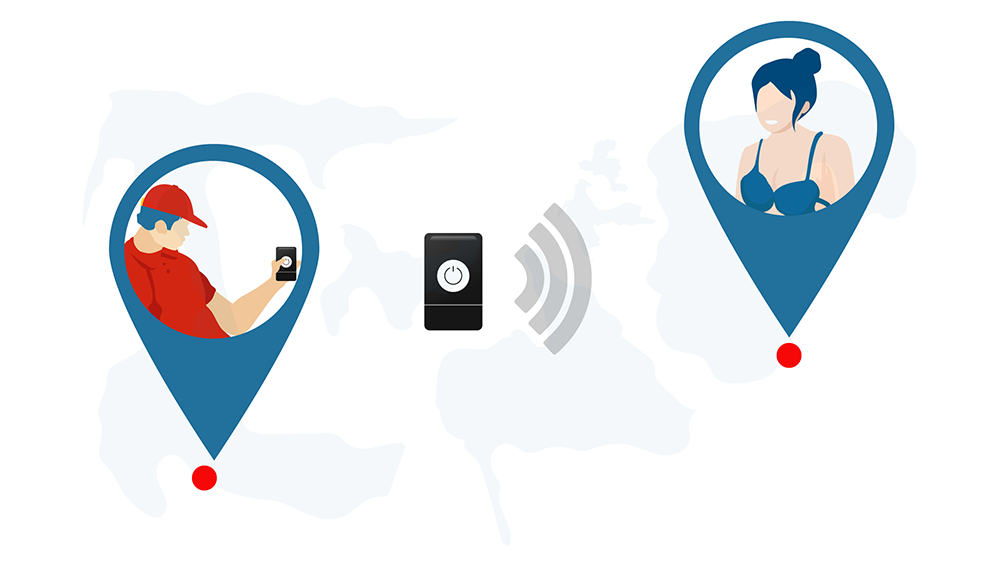
Make sure that nothing is blocking the connection. If you are connecting through a laptop or PC, check the firewall settings to ensure that the Lovense Remote app has access to the Internet. If it appears to be walled off, you can whitelist the app in your firewall settings.
And it’s a long shot, but check the browser settings as well. If you are trying to sync your Lovense sex toy to a cam site or streaming site, be sure that WebSocket (WS) and Hypertext Transfer Protocol (HTTP) or Hypertext Transfer Protocol Secure (HTTPS) access is enabled. These are how the Lovense app connects to external sites.
If you have completed all these troubleshooting steps but still can’t connect, try to connect using a different network. If you are on WiFi, try mobile data and vice versa. Sometimes the issue is out of your hands!
Note: If you are still unable to connect, it’s worth reading our guide on how to connect your Lovense toys long-distance. There are some tips and tricks that might come in handy!
2. Bluetooth Issues
Our reviewers and readers report that Bluetooth issues are among the most common reasons why Lovense sex toys can’t connect to the app. Bluetooth connections can be fickle, but there are a few things that we can do to get your toy in sync with the app.
The Bluetooth range is typically around 30 feet (10 meters), but this presumes clear skies and a clear path. If the air quality is poor or there are obstacles between your device and your Lovense sex toy, the range might be much smaller. Make sure that your toy is close enough to connect successfully.
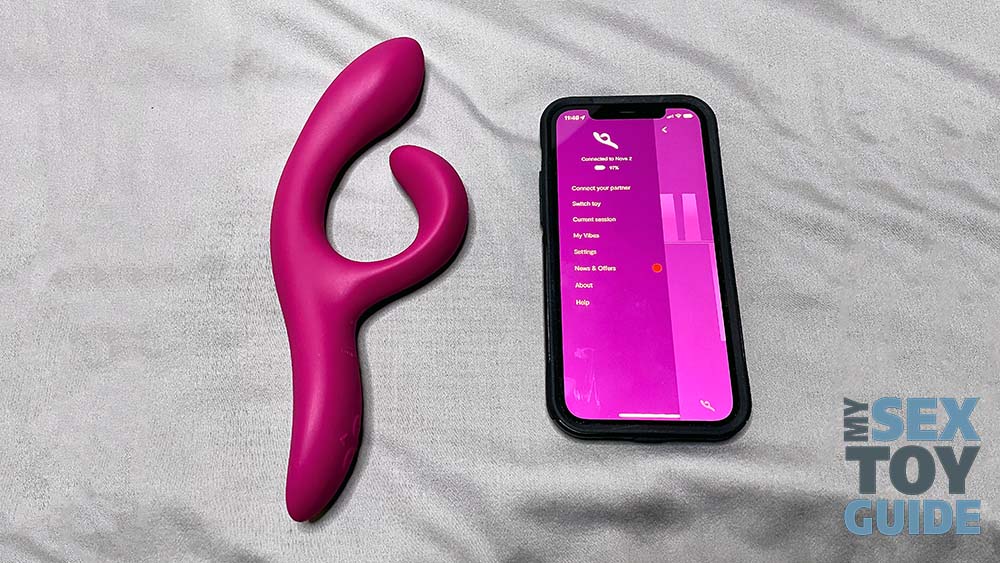
If there are other Bluetooth-enabled devices in proximity, it’s very easy for the signals to get crossed. Physically move any competing devices out of range, or at the very least, turn them off.
Also, Bluetooth connection requires resources. If the batteries on either your toy or your device are low, you may not be able to establish and maintain a Bluetooth connection. Charge all batteries completely and then try again.
Reset the Bluetooth and related settings on both your Lovense sex toy and your device — as we all know, much of tech support consists of turning it off and turning it back on again. If Bluetooth is still a bugaboo, you can reach out to Lovense customer service. They may be aware of a firmware update or other issues that could possibly be at play.
3. Device Settings
Even if you didn’t intend it — and if you’re reading this article, we assume that wasn’t your intent — the settings on your smartphone or computer may be restricting your toy’s ability to connect.
Check to see that your Bluetooth is enabled and that it is recognizing your toy as being in range. You can disable and re-enable Bluetooth to help it discover your toy, or you can turn your toy off and back on again to make it more discoverable.
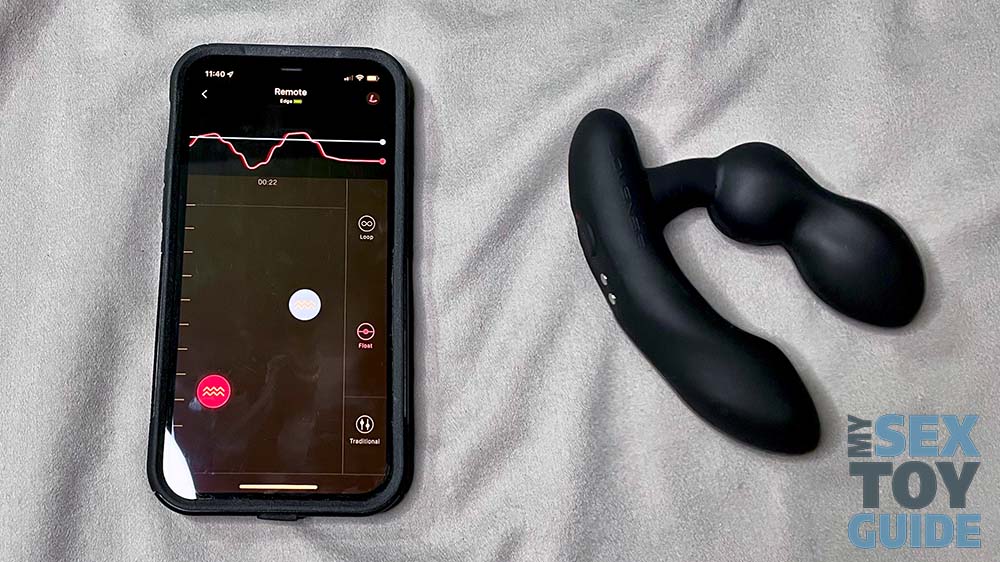
Also check the Play Store or the App Store to see if you are running the most up-to-date version of the app on your device. Developers push updates to help resolve common problems, including connectivity issues.
Other apps can also interfere with your toy’s connection to your device. Make sure that your firewall, ad blocker, and security software are configured to let the Lovense app connect. Turn off other apps that may be running in the background and potentially interfering with the connection.
4. App Issues
Other reasons why your Lovense sex toy might not be connecting to the app have to do with the software itself, so that is one more area where we can do some troubleshooting. There are two kinds of software here: the app that runs on your computer or smartphone, and the firmware that is embedded in the Lovense sex toy.
If the app is repeatedly crashing or freezing, you can follow these steps:
- Verify that you are running the most recent version of the Lovense Remote or Connect app. You can check for updates in the Google Play Store (Android) or the App Store (iOS).
- Also verify that your phone’s internal operating system is up to date and all recent patches and fixes have been installed.
- Ensure that any firewalls, ad blockers, or security software are not blocking a connection to the Lovense app.
- Close any other apps that are running in the background.
- Uninstall the Lovense app and re-install it, making sure that you are re-installing the latest version.
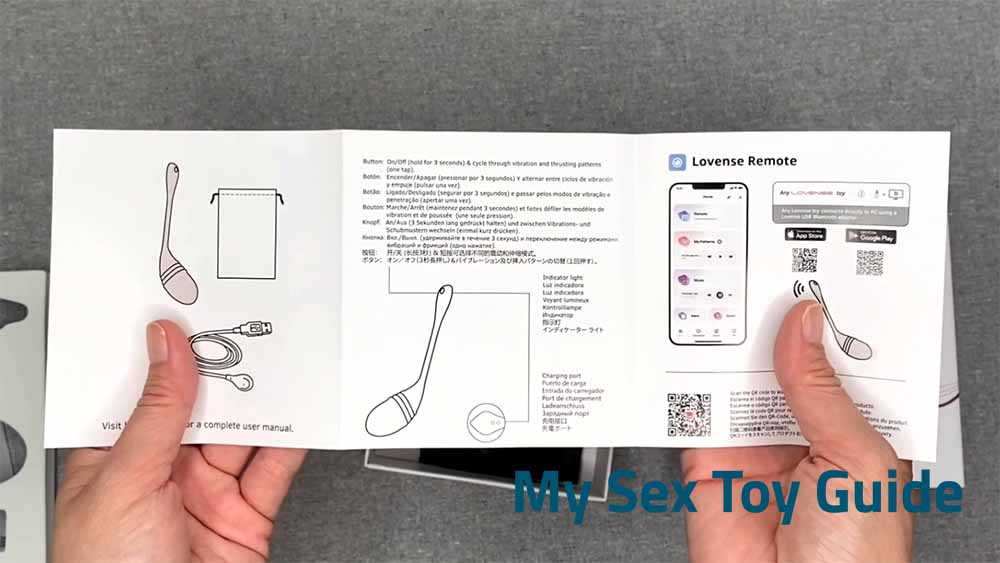
You will also need to run similar checks on your Lovense sex toy’s firmware. The firmware is pre-installed in the toy’s innards. You cannot access it directly, but you can check for and install updates through the Lovense app. If you are not seeing any available updates:
- Make sure that your device and your Lovense toy are within range. Bluetooth range is usually around 30 feet, but can be considerably shorter if physical or electronic interference is in the way.
- Ensure that your Internet connection and Bluetooth connection are both strong, and that the Bluetooth is not connected to any other devices.
- Restart your device, reconnect Bluetooth, and check for updates again.
- Uninstall the Lovense app and re-install it, making sure that you are re-installing the latest version.
5. Damaged Lovense Sex Toy
After you have checked all the above and are confident that the issue is not stemming from your computer or smartphone, it’s time to do a diagnostic on your Lovense sex toy. Any damage puts stress on the system, and that could keep it from connecting. Carefully inspect the surface for cracks, bends (that aren’t supposed to be there), or other signs of injury.
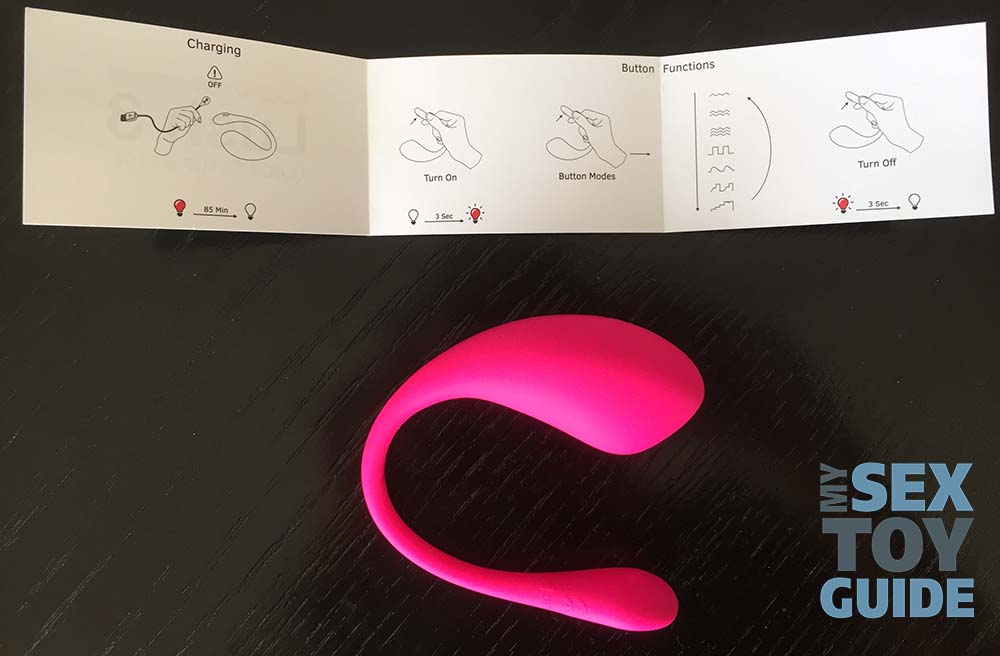
We wrote above that a low battery can also keep your Lovense toy from connecting properly. If the device is unable to charge fully or hold a charge, it also won’t be able to hold a connection. Make sure that you are using the original charging cable, and try plugging into a wall outlet (with a USB adapter) so that you can be sure that the toy is getting enough “juice.” The indicator light on the toy should let you know when it is fully charged.
If the product appears to be undamaged and it also appears to be charging correctly, but is still not connecting to the app, you can try resetting it. Press and hold the power button for 10 to 15 seconds to power it off and back on again. This resets the toy and (hopefully) encourages it to connect.
Last Words
We hope that we were able to help you get your Lovense sex toy connected, up, and running again! However, if it’s still being stubborn, we recommend a thorough read of the user manual and manufacturer’s website, including the Frequently Asked Questions section and even the user reviews (someone else may have encountered similar issues and resolved them either on their own or with assistance from a customer service representative). If that still doesn’t help, you can reach out directly to the manufacturer or the retailer. If your product is still under warranty, they will repair or replace it; even if it is out of warranty, they may be able to offer model-specific troubleshooting tips and/or a discount on your next toy.
And hey, if you are toy shopping, you can read our reviews of the latest and greatest releases from Lovense and other sex toy manufacturers.
Happy vibing!
Tim

Related Posts

History of Sex Toys: Vibrators, Cock Rings, Dildos, Butt Plugs
-
Posted by
mediamillion1000@gmail.com

Do Sex Toys Cause Diabetes? Health Risks & Safe Alternatives
-
Posted by

Microplastics in Sex Toys: Is Your Favorite Vibrator Releasing Harmful Particles?
-
Posted by

Iroha Stick Review – My Sex Toy Guide
-
Posted by
![6 Best Eco-Friendly Sex Toys [Video Demonstration]](https://i0.wp.com/www.mysextoyguide.com/wp-content/uploads/2026/04/Best-Eco-Friendly-Sex-Toys.jpg?w=1300&resize=1300,800&ssl=1 "6 Best Eco-Friendly Sex Toys [Video Demonstration]")
6 Best Eco-Friendly Sex Toys [Video Demonstration]
-
Posted by
TENGA Iroha Stick Review – My Sex Toy Guide
-
Posted by

How To Sissygasm: 5-Step Guide To Hands-Free Prostate Orgasm
-
Posted by

Celebrity Sex Toys: How Stars Are Shaping Sexual Wellness
-
Posted by

Rubjoy Pleasure Robot Review – My Sex Toy Guide
-
Posted by

How Old Do You Have to Be to Buy Sex Toys?
-
Posted by

How to Sell Used Sex Toys: A Guide for the Savvy Seller
-
Posted by

A Complete Guide to the Pretzel Dip & More
-
Posted by