
Blog
Lovense Firmware Upgrade: PRO TIPS From A Sex Toy Tester!

We use affiliate links and may receive a small commission on purchases.
You’ve invested in Lovense toys — and these sex toys are definitely an investment in your own self-care — so let’s make the most of this investment. Keeping your Lovense toy in top order includes upgrading the firmware as needed, and one of our most experienced sex toy testers, Tim Larson, will walk us through that process.
Key Takeaways
- Upgrading the firmware can improve performance, improve security, and provide access to new features.
- Your Lovense Remote app should notify you when a firmware upgrade is available, or you can check in the Settings menu.
- Upgrades require operating power, so make sure that your smartphone is fully charged before starting the process. Disable any other apps that might disconnect the Lovense app during the upgrade and be sure not to close the app while the upgrade is in process.
What Is a Lovense Firmware Update?
If you’ve read the above and you’re convinced that you should upgrade your Lovense firmware, but you’re still not exactly sure what it is, read on!
In the tech world, and these days, sex toys are most definitely tech; hardware is the physical and tangible equipment (a CPU, a monitor, or in this case, a Lovense vibrator) and software is the operating system, program, app, or data that tells the hardware what to do. Firmware is a type of software that is directly embedded into the hardware.

The Lovense firmware is what drives many of its features, such as responding to the smartphone app, managing the Bluetooth connection, and controlling the motors. We are sure that you agree that these are important features, so upgrading your firmware as needed ensures that they are operating optimally.
All popular Lovense products, like Hush 2, Lush 4, Max 2, Edge 2, and Solace Pro, can benefit from regular firmware updates. Keep reading to learn exactly how and why.
What Firmware Does For You
Keeping your firmware up to date keeps your high-end, high-tech sex toys at the top of their game.
- Improved Performance: Just as with other sophisticated electronics, new releases can be more efficient and less buggy.
- Better Security: Security is an important part of performance, and none of us wants to think about our sex toys being hacked! Firmware updates usually include any available security patches.
- Bug Fixes: Along with security patches, firmware upgrades fix known bugs. This will help your sex toys connect and operate more smoothly.
- Increased Compatibility: Lovense keeps rolling out more and more pleasure tech. Firmware updates will ensure that your devices are compatible with their new cousins and they can all play together in the app.
- New Features: Not only do firmware upgrades help your toys play together, they also teach your old toys some of the new tricks that were developed for the new toys. You might get access to new vibration patterns or other fun features.
How Do I Get These Upgrades?
1. Install the Applications
First things first: you will need to install the Lovense Remote App on your smartphone. It is available for both iOS and Android phones, and the Remote App controls your Lovense sex toys via Bluetooth connection. It also shows you the status of your toys, including battery life.
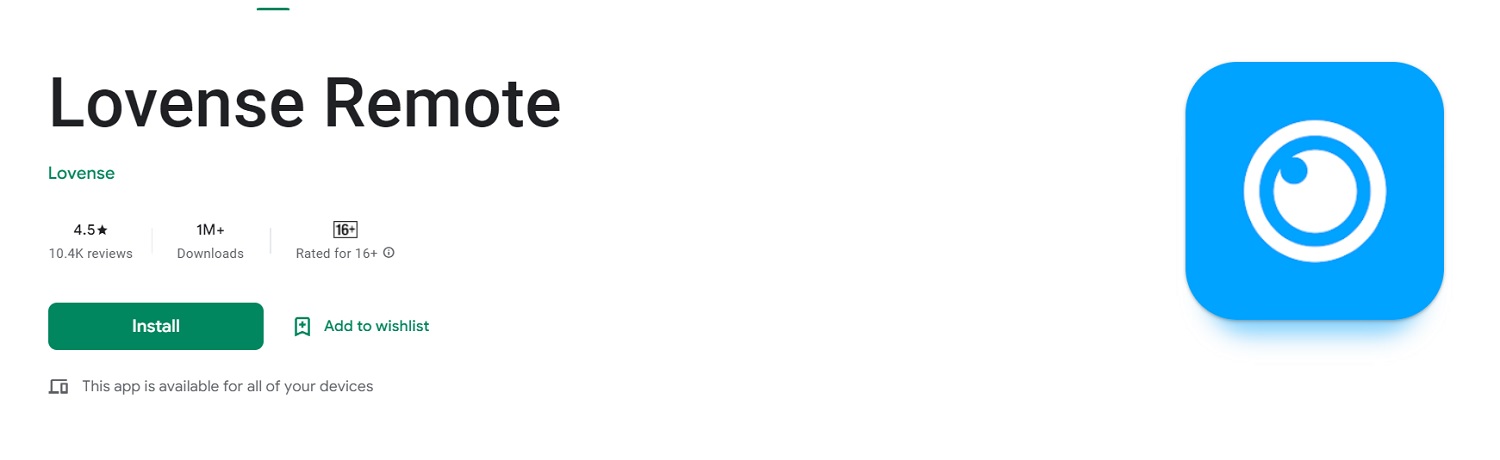
Lovense Remote App for Android (image above)
Then turn on your Lovense sex toy and make sure that it’s in pairing mode. Open the app and click the “Add Toy” icon. Select your toy from the list of available devices, and follow the on-screen instructions to complete the pairing process.
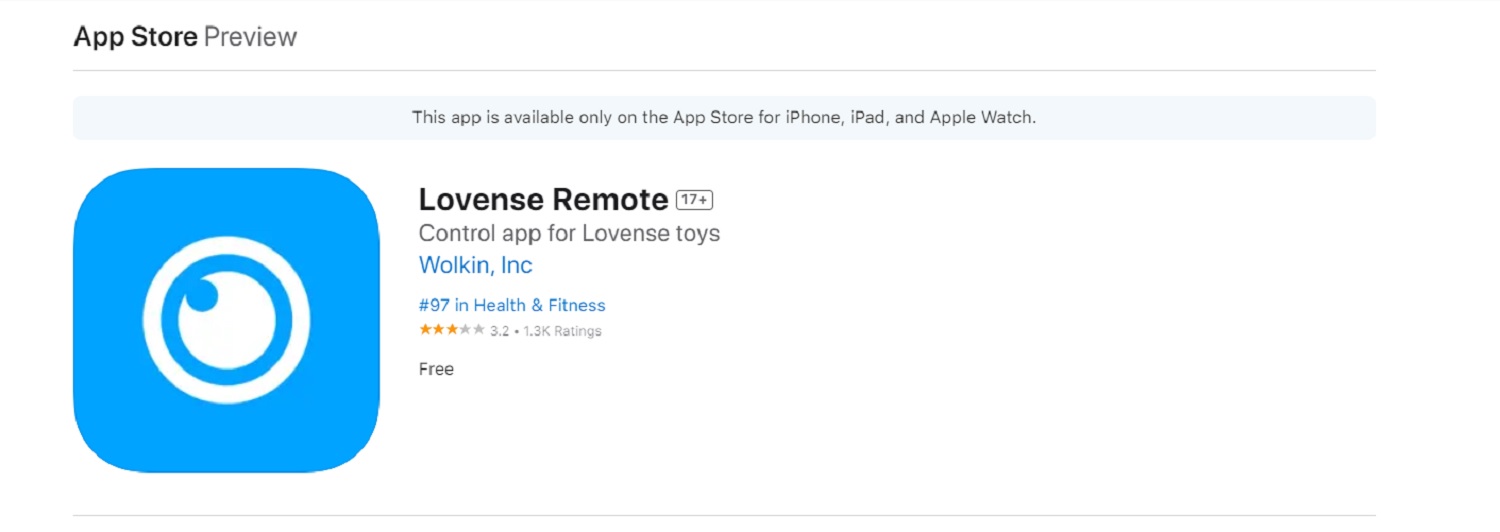
Lovense Remote app for Apple (image above)
Once your Lovense toy is successfully paired, you can use the Remote App to control your toy. It offers a wide variety of pre-programmed vibration patterns, or you can create your own patterns. The Remote App also lets you turn control over to a chosen partner (anywhere in the world) who has also paired with your toy.
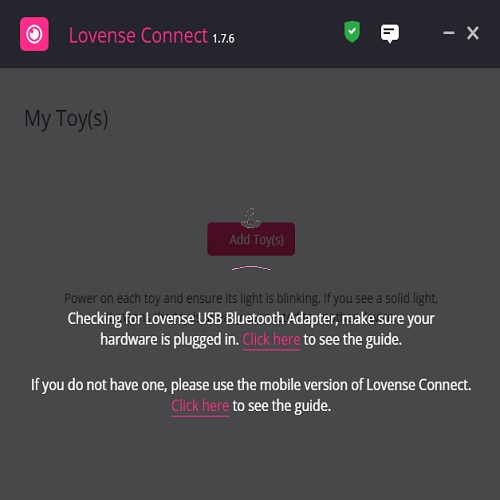
The Lovense Connect App can be installed on your Windows or Mac computer. Download and install the Connect App, and then pair your Lovense sex toy with it just like you did with the Remote App. Now you can control your paired toys from your computer, and you can also create custom vibration patterns or turn over control to another user (the Connect app can also be used for cam shows).
2. Prepare for the Firmware Update
There are a few steps that you can take to help your firmware update go as smoothly as possible.
Make sure that your smartphone and your Lovense sex toy are both fully charged. Downloading and installing the application can take a lot of “juice,” so it’s a good idea to start with a full tank so that the process is not interrupted.

Set your phone to Airplane Mode. This will eliminate any possible disturbances from other apps, notifications, or connections. Do be sure that Bluetooth is enabled, though, because you will need it to connect to your toy.
Turn off or disable other apps: The Lovense Remote App should be the only app active during the upgrade. This prevents disruptions and helps the upgrade go smoothly.
3. Start the Update
Turn on your Lovense toy and open the Remote App. Connect to the toy, navigate to the Settings section of the app, and select the cloud icon with the arrow. You should get a notification that the firmware update is about to begin. Click “Upgrade.”
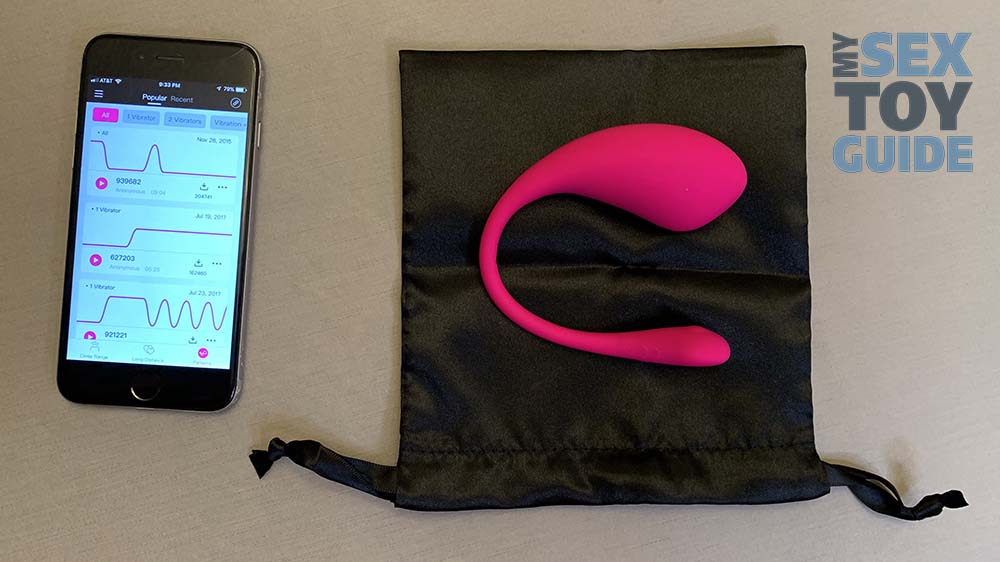
The Remote App will display a progress bar. Depending on the size of the upgrade files and the speed of your connection, the upgrade may take several minutes to complete. Remember not to open other apps, including your texting app, while the upgrade is in progress. Your Lovense sex toy will reboot when the firmware update is complete. Do not disturb this process.
In Conclusion
Lovense sex toys are the cream of the crop; they are creatively designed, well-engineered, and manufactured to the highest standard. It’s no wonder why we love them so much! But when you’ve invested in a Lovense toy or three, you want to get the most bang for your buck, and making sure that they are always operating on the latest firmware packages is one way to do that.
Happy vibing!
Tim

Related Posts


The Biggest Anal Sex Myths – and What’s Really Behind Them
-
Posted by
mediamillion1000@gmail.com


Oh Joy Sex Toy – The Shibari Lingerie by Hien Pham
-
Posted by


Oh Joy Sex Toy – Adventures In Colonoscopy by Cat Farris
-
Posted by
