
Blog
How To Connect Lovense Toys to Adult Time? With Screenshots

We use affiliate links and may receive a small commission on purchases.
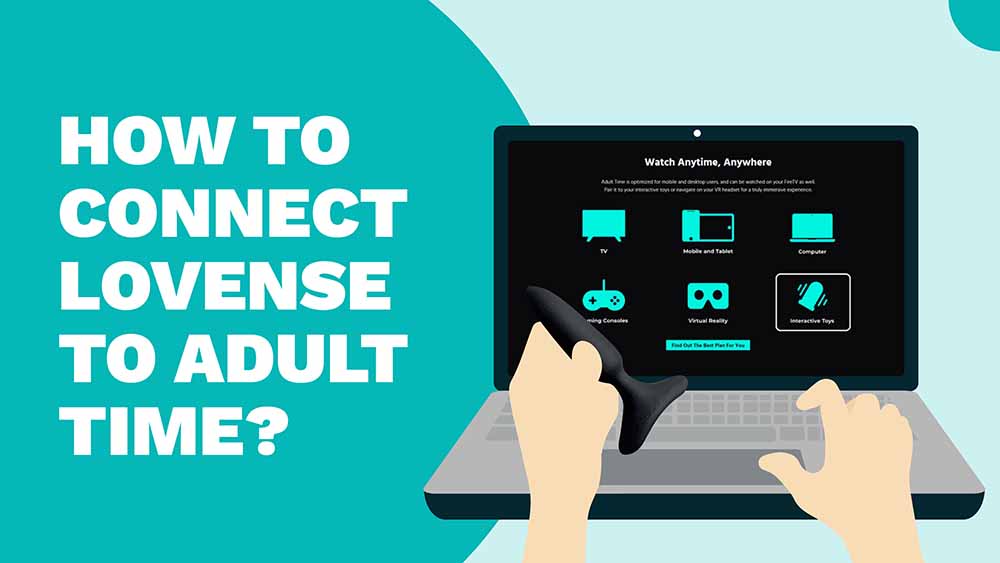
Adult Time has one of the largest catalogues of adult content on the internet (and that’s saying a lot!). Plenty of their videos are compatible with Lovense sex toys for an interactive, immersive experience. You’ll need to connect your toys to Adult Time. This is not a difficult process, but there are a few steps and we will walk you through them.
Key Takeaways
First, download and install the Lovense Remote app on your phone. Ensure your toy is on and in pairing mode. In the Lovense app, add your toy and connect it. Then, create an account on the Adult Time website, choose a subscription, and enter your payment info. Find interactive content on Adult Time, select the video, and choose Lovense as your device. Scan the QR code with the Lovense app to connect and enjoy!
What is Adult Time?
Adult Time is a subscription-based platform with an enormous amount of adult content with new releases coming out every day. They produce their own original movies and series, and they partner with other content providers including RealSensual, Black Label Magazine, and Girlsway. Not all of Adult Time’s content is compatible with interactive sex toys, but they do have quite a bit to explore. They have a few free clips and scenes, but you will need a subscription to access most of their content. Adult Time does not offer a free trial, but their shortest subscription is less than the price of a cup of coffee.
Ready to get started?
Step 1. Download the Lovense Remote App
You will need to have a Lovense account. If you purchased your Lovense toy directly from the website, you likely set up an account at checkout and you can use this now. If you do not have an account, you can set one up on the Lovense website.
For iOS Users:
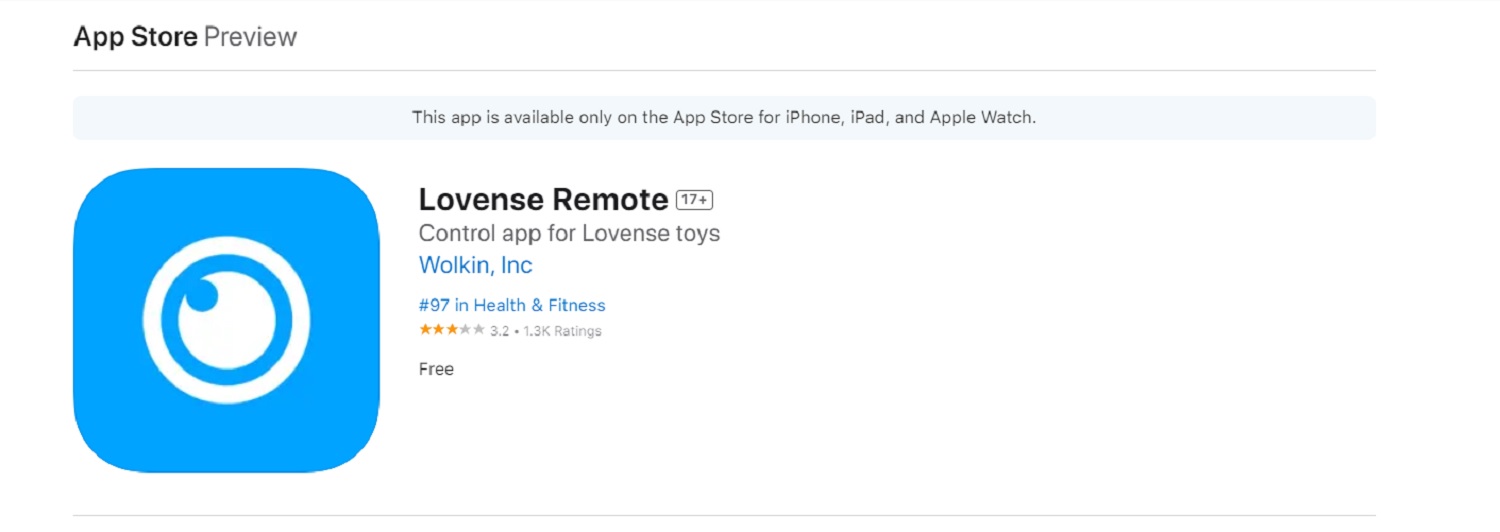
- Open the App Store on your iPad or iPhone.
- Search for the “Lovense Remote” app and click the “Get” button to download and install it.
- Open the Lovense Remote app and sign in with your Lovense account.
For Android Users
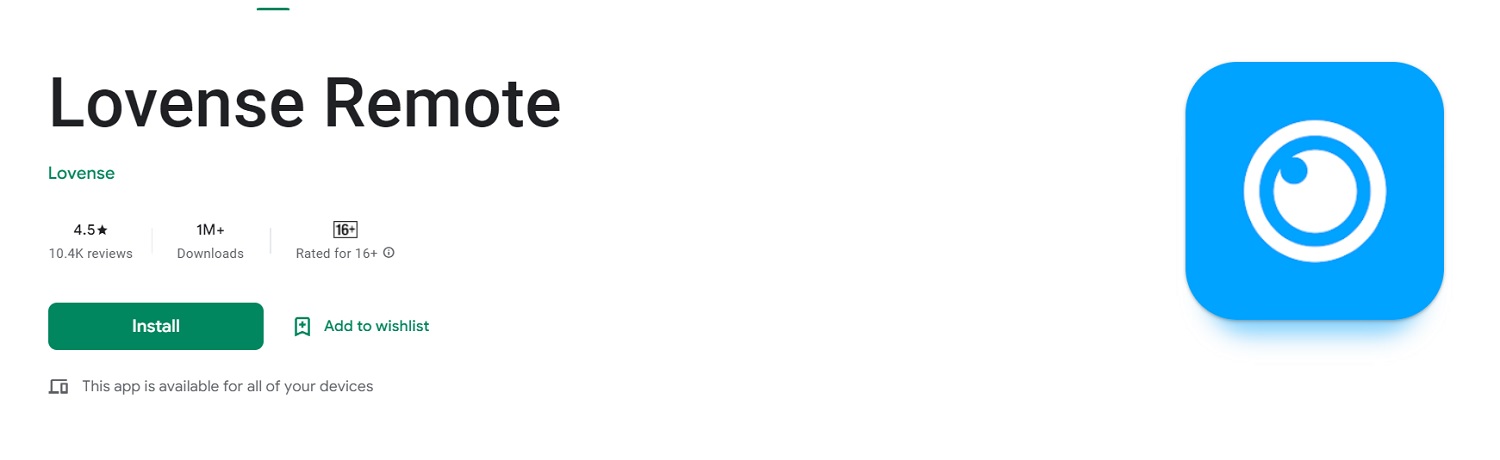
- Open the Google Play Store on your smartphone or tablet.
- Search for the “Lovense Remote” app, download it, and install it.
- Open the Lovense Remote app and sign in with your Lovense account.
Step 2. Pair Your Lovense Toy(s)
The Lovense Remote app supports multiple Lovense sex toys on the same account, so if you are lucky enough to have more than one Lovense toy, you can pair them all at the same time or add a new toy to an existing account.
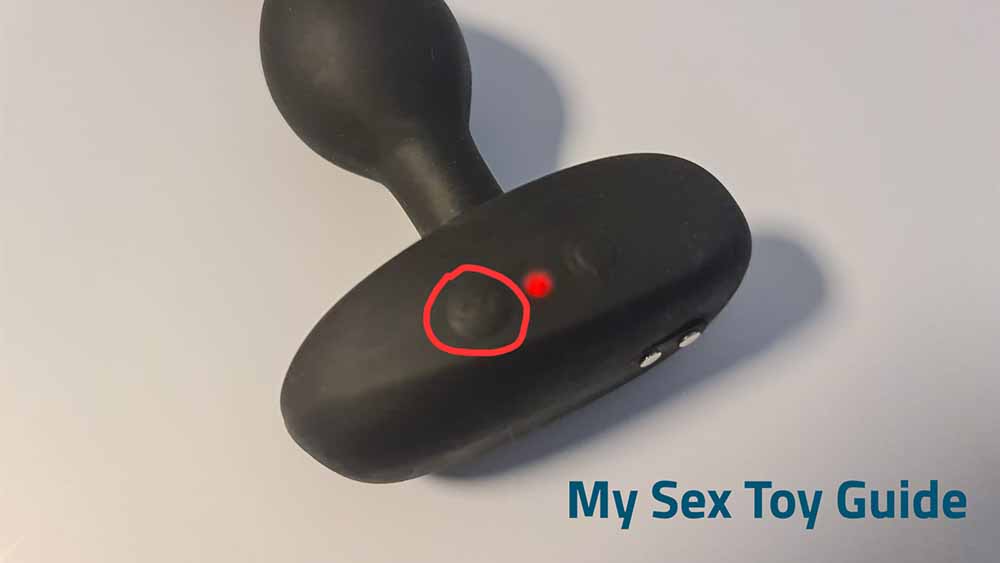
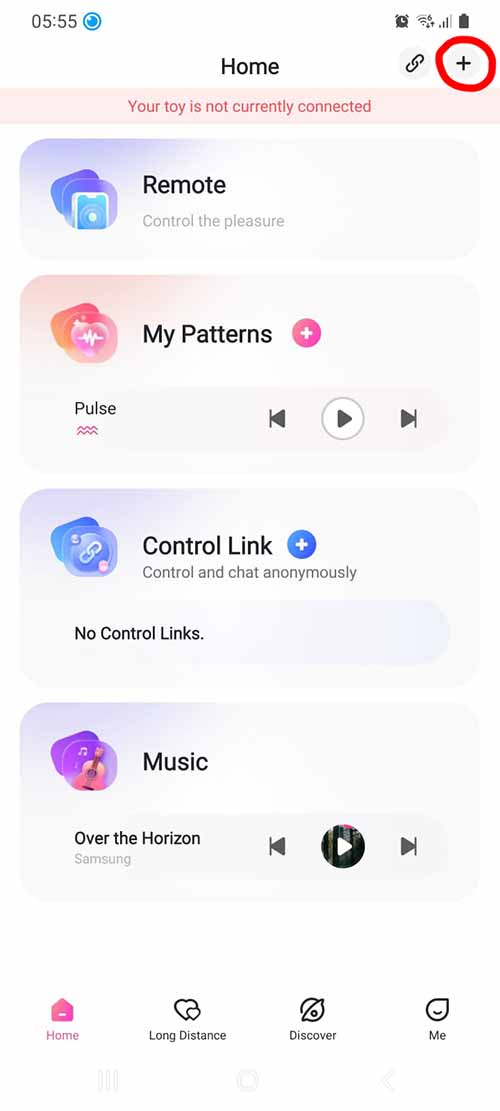
Make sure that your Lovense toy is fully charged. Turn it on and hold the power button down for three seconds (circled above). The light should blink to indicate that it is in pairing mode (check your user manual if necessary). Then open the Lovense Remote app, log in, and click the + sign in the upper right-hand corner (circled below). Select “Add Toy” from the drop-down list and the app will search for your toy. Once the app identifies your toy and adds it to the menu, click on it to pair it.
Step 3. Create an Adult Time Account
You will need to subscribe to Adult Time to view the content (aside from daily free samples). One option is a very short and very inexpensive trial. Your selection will be limited, but you will probably be able to see enough to decide if this site is for you. Monthly and yearly subscriptions offer full access. All subscriptions renew automatically, so take precautions if you do not want to be charged again.
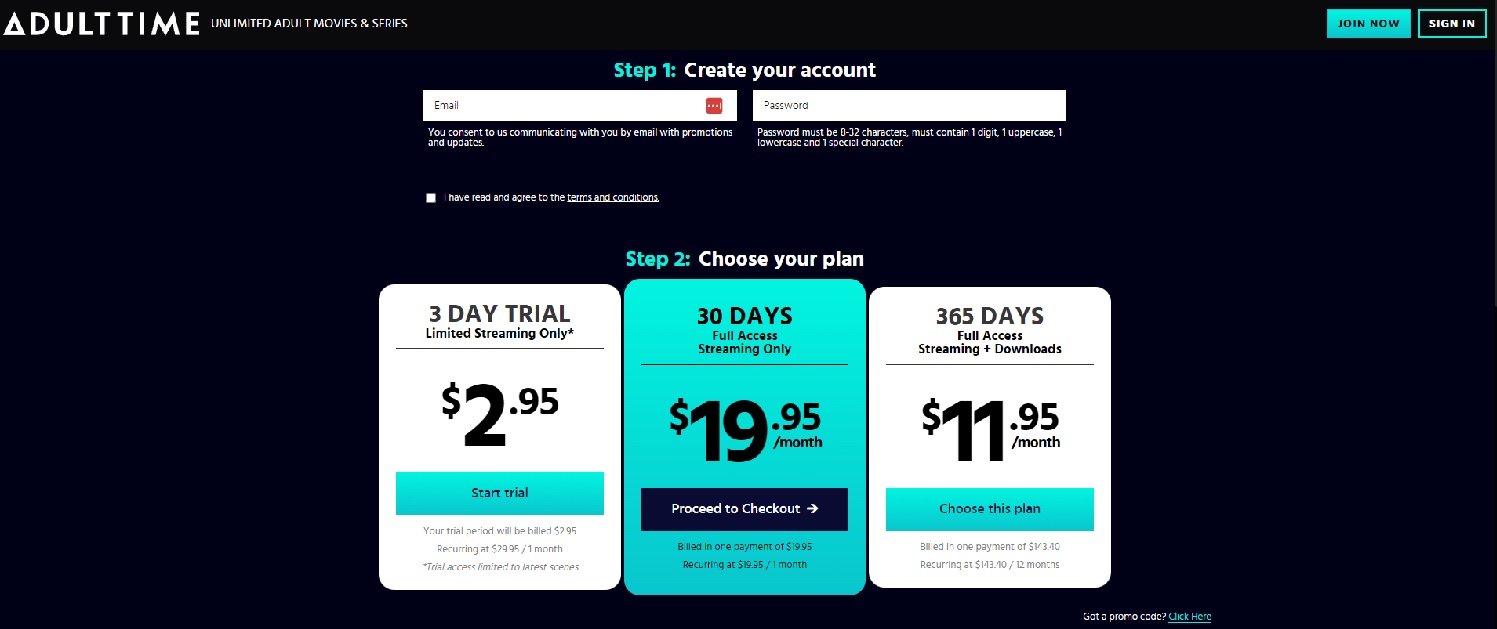
- Navigate to the Adult Time site on your browser.
- Select the Join Now button on the top right-hand corner.
- Choose your subscription plan and activate your account.
- Enter payment information. This can be a credit card or a bank transfer. Interestingly, they also accept gift cards from major retailers, so if you have one that you probably won’t use, you can trade it in for a subscription that you will enjoy a lot more!
Step 4. Search for Interactive Content
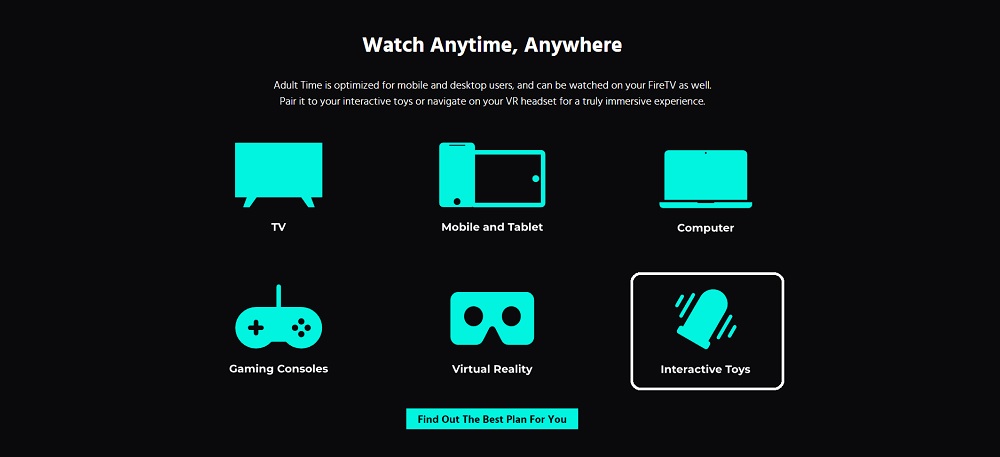
You know what you like better than we do! But if you are planning on syncing your Lovense sex toy to the action on the screen, you’ll need to choose a compatible video. There are plenty of interactive scenes in a wide range of genres. Look for the “Interactive Toys” icon as seen below. You can also navigate directly to the Interactive Toys channel.
Step 5. Connect Lovense To Adult Time
Click on the video to start playing it. It will display a list of supported devices, which include Svakom, Kiiroo, Handy, and of course Lovense. Select the “Lovense/Lovense Remote” icon. This will generate a QR code.
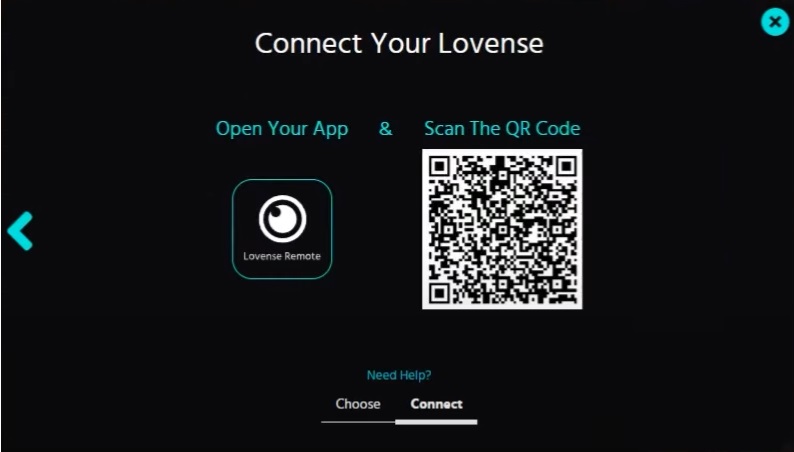
Open your Lovense Remote app on your device and log in. Click the + sign in the upper right-hand corner and select “Scan QR Code.” Use your device’s camera to scan the code, wait for the app to connect, and follow the prompts. You can then use the Lovense Remote app to drive your experience.
Troubleshoot Common Issues
Lovense engineers are among the best in the business and we’re operating mostly in the Lovense ecosystem, so this process should go very smoothly. However, “should” is worth exactly what you paid for it, so we’ll address some of the most common issues.
Connection Issues: Make sure the batteries for both your device and toy are fully charged. Verify that you have enabled Bluetooth on your device and that the Lovense Remote app has permission to access Bluetooth. Move your device and toy closer together and ensure that there are no other electronic devices that could interfere with the connection.
Pairing Issues: Verify that your Lovense sex toy is not already paired to another device. Check the user manual for your specific toy in case there are any model-specific instructions. If you still cannot connect or pair your toy, turn off the device and the toy, turn them back on, and try again.
Lovense Remote App Issues: Ensure that you are using the most up-to-date version of the app, which you should be if you downloaded directly from the website. Check to see that the app has permission to access your device’s Bluetooth.
Once you’ve successfully connected and paired your toy, you may want to check out our guides on how to connect Lovense toys to Bongacams and how to connect Lovense toys to Stripchat.
Happy vibing!
Tim

Reddit | Medium | Amazon
Related Posts


Oh Joy Sex Toy – West Oz Leather: West Connect by Hien Pham
-
Posted by
mediamillion1000@gmail.com


![6 Best Eco-Friendly Sex Toys [Video Demonstration]](https://i0.wp.com/www.mysextoyguide.com/wp-content/uploads/2026/04/Best-Eco-Friendly-Sex-Toys.jpg?w=1300&resize=1300,800&ssl=1 "6 Best Eco-Friendly Sex Toys [Video Demonstration]")