
Blog
Lovense Camming Software: The Ultimate Guide To Get Started!

We use affiliate links and may receive a small commission on purchases.
Lovense offers sex toys and software for every body out there, which is one of the reasons why we love them, and they are one of the few sex toy developers that keep adult content creators in mind. Cam models can increase interactivity and earn more tips with the Lovense camming software, which is designed to increase audience engagement and performer profitability. Our pleasure tech expert, Tim Larson, is here to explain more about some of Lovense’s apps.
Key Takeaways
- The Lovense Cam Extension, which is available for Chrome and Edge browsers, is an extension to connect your Lovense toy with the camming website of your choice and it lets you use your browser for streaming.
- The Lovense Connect App is a piece of software that connects any Lovense toy to the above Cam Extension. It’s available for Windows, iOS, and Android environments. Windows users need the Lovense USB Bluetooth adapter, which you can buy from their website; Mac users can connect their toys directly.
- The Lovense OBS Toolset and SplitCam Toolset can enhance your live streams. They allow you to connect your Lovense sex toys to OBS Studio to remotely control the toys’ vibrations and patterns. Additionally, SplitCam Toolset adds to your visuals with filters, overlays, and multiple views.
- Finally, Lovense Stream Master is an all-in-one bundle for cam performers that incorporates all of the above to help you create engaging, immersive content with one streamlined setup process.
What Is the Lovense Connect App?
The Lovense Connect app is available for both Android and iOS. It is a free app that connects your Lovense sex toys to your computer or other devices. Lovense Connect is designed for adult content creators who want not only to stream with their Lovense toys but also to offer tip-based incentives to their audience. Viewers who tip are allowed to control the toy’s vibration patterns and intensities, and this obviously increases interaction as well as revenue.
Lovense Connect For Android (image above)
Lovense Connect For Apple (image above)
What Exactly Can You Do With the Lovense Connect App?
With the Lovense Connect app, you (and your audience, if you want) can:
- Control Your Toys Remotely: The Lovense Connect app lets you or anyone you choose — as long as they have installed the app and synced to your toy — control your sex toy from anywhere in the world as long as there is a WiFi or data connection. This includes using the app to select the vibration pattern and intensity, and even creating custom vibration schemes.
- Sync Your Sex Toys to Music: The Connect app will sync your toy to the beat of the music. Pick a song from your music library, and the Lovense toy will vibrate along with the song. Audiences love this!
- Create Custom Vibrations: With the Connect app, you or your partner or a chosen viewer can create custom vibrations for your sex toy. You can save or even share your creation.
- Chat and Interact With Your Fans: The Connect app includes a chat feature where you can interact with fans live during your cam shows. You can send messages, emojis, and live photos, or even turn over control of your sex toy. The Connect app also gives you access to the Lovense Orgy.
You can download the Lovense Connect app from the App Store (iOS) or the Google Play Store (Android), and you will need to pair your sex toy with your phone using Bluetooth. You will also need a computer that is running the Lovense Cam Extension software — more on that later.
What Is the Lovense Cam Extension?
The Lovense Cam Extension is software that allows adult content creators to connect their Lovense sex toys to whichever streaming platform they choose to work with. It is engineered for seamless compatibility with other Lovense apps, including Lovense Connect and Lovense OBS Toolset, for an easy and engaging experience for both the content creator and their audience.
The Lovense Cam Extension encourages interaction between the model and the audience, since viewers who tip the model can control the Lovense sex toy that the model is using. It is integrated with all major cam model sites.
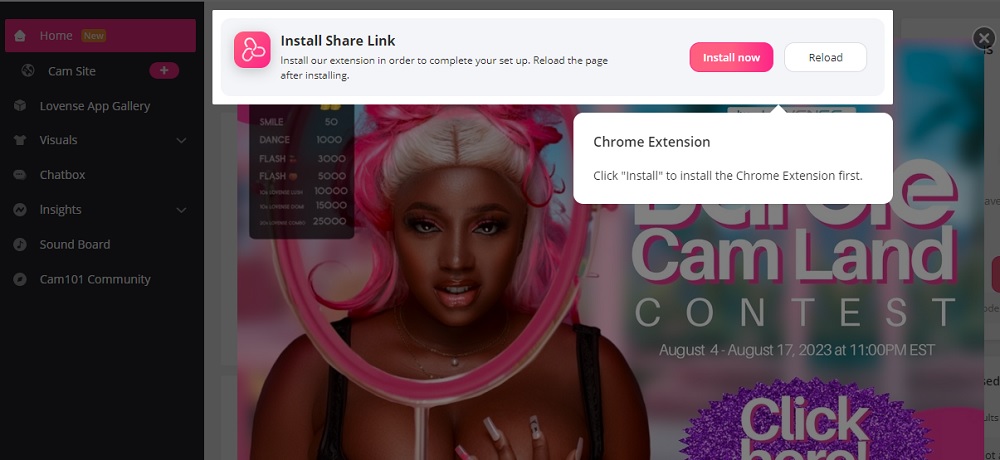
To use the Cam Extension, you will first need to download it and install it on your computer. Then connect your Lovense sex toy using Lovense Connect, as described above. Once it’s connected, open the Cam Extension and select your toy from the list of available devices, and then connect the Cam Extension to your streaming platform.
For a smoother experience, ensure that you disable any previous versions of the Cam Extension to prevent conflicts. You can do this by right-clicking on the extension icon, choosing “Manage extension” from the menu, and toggling the switch to “Off.” Before you start your stream, make sure that the settings page is open and keep it open during the stream. You should access your cam platform site directly from the settings homepage for the best results.
What Exactly Can You Do With the Cam Extension?
The Lovense Cam Extension helps adult content creators produce an immersive, interactive experience for their viewers.
- Remote Control: The Cam Extension allows you to connect and control your toys during your live stream. You can also turn over control to viewers who tip you.
- Customize Your Live Stream: The Cam Extension is able to integrate with all major cam sites. You can allow custom vibration patterns, create tip-activated incentives, and join interactive games with your viewers.
- Increase Your Earnings: Using the Cam Extension to make certain privileges (control of sex toy, live chat, etc.) available to viewers who tip generously increases your earnings.
- Enhance Viewer Experience: Enhancing the viewer experience also increases your earnings! The Cam Extension lets you enhance your viewers’ experience by offering interactive shows, games, and activities.
The Lovense Cam Extension is compatible with all major camming platforms such as Chaturbate, MyFreeCams, and LiveJasmin. It will automatically detect the connected sex toys.
What Is the Lovense OBS Toolset?
The Lovense OBS Toolset software helps adult content creators enhance their live streams by integrating Lovense sex toys with the OBS Studio suite, which helps deliver a more immersive audience experience. It is compatible with both Windows and Mac operating systems.
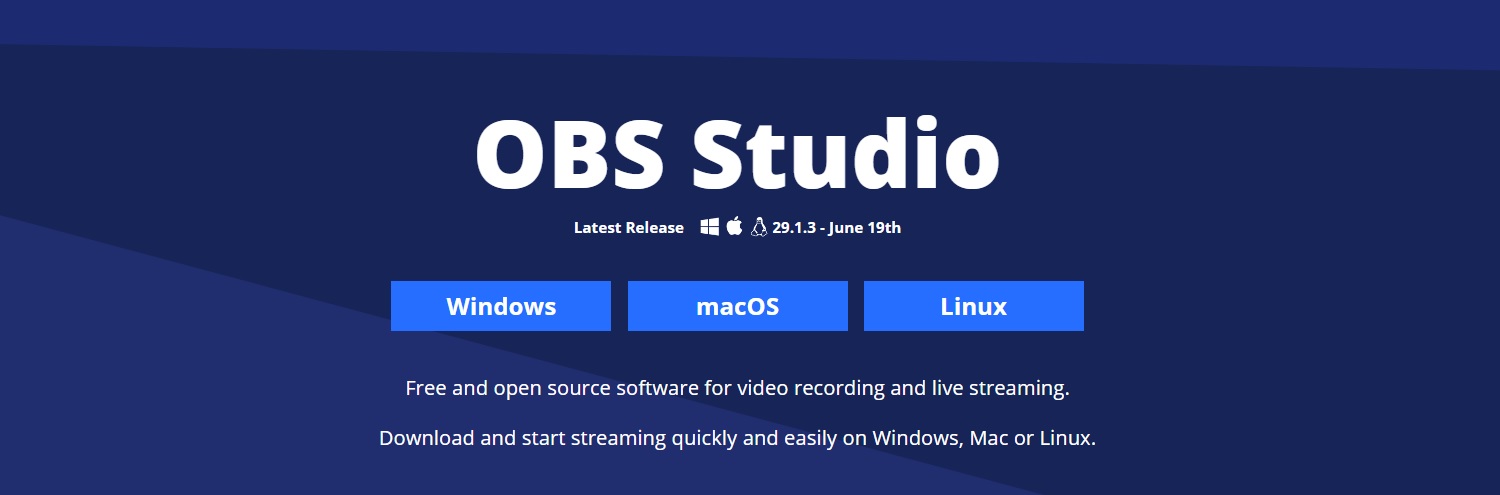
You will be able to control your Lovense sex toys directly from OBS Studio, including adjusting vibration patterns and intensities, creating custom vibration patterns, and syncing multiple sex toys. This can help cam models take their streams to the next level, increase engagement, and increase revenue.
What Exactly Can You Do With the OBS Toolset?
The Lovense OBS Toolset includes the Cam Extension, OBS Plugin, and Stream Control Panel, which all help your device integrate with OBS Studio.
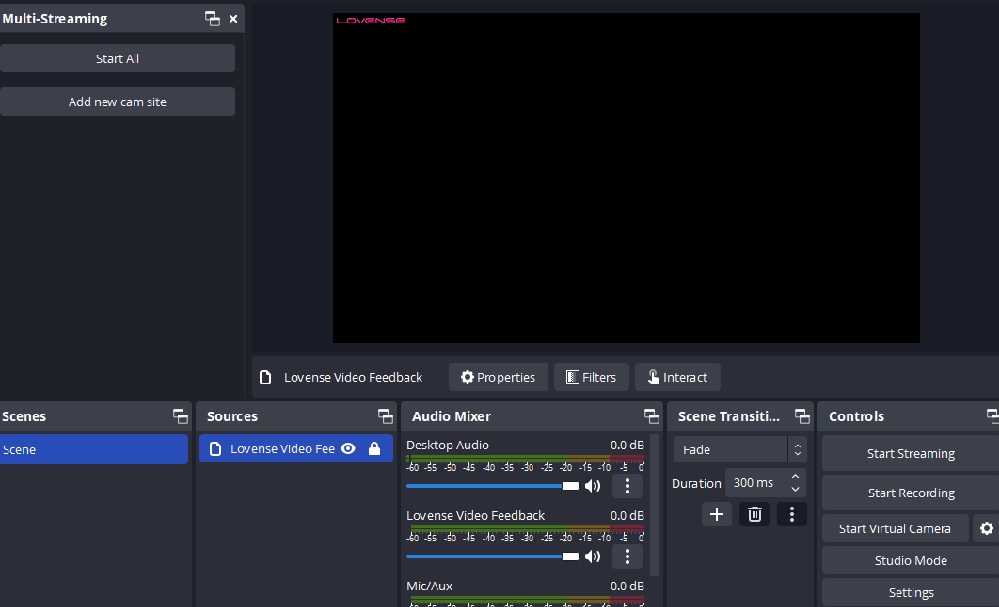
- The Cam Extension helps you connect your Lovense sex toy to OBS Studio.
- The OBS Plugin lets you control your connected toy using OBS Studio.
- The Stream Control Panel provides a user-friendly way to manage your connected Lovense sex toy during your live stream.
What Is the Lovense SplitCam Toolset?
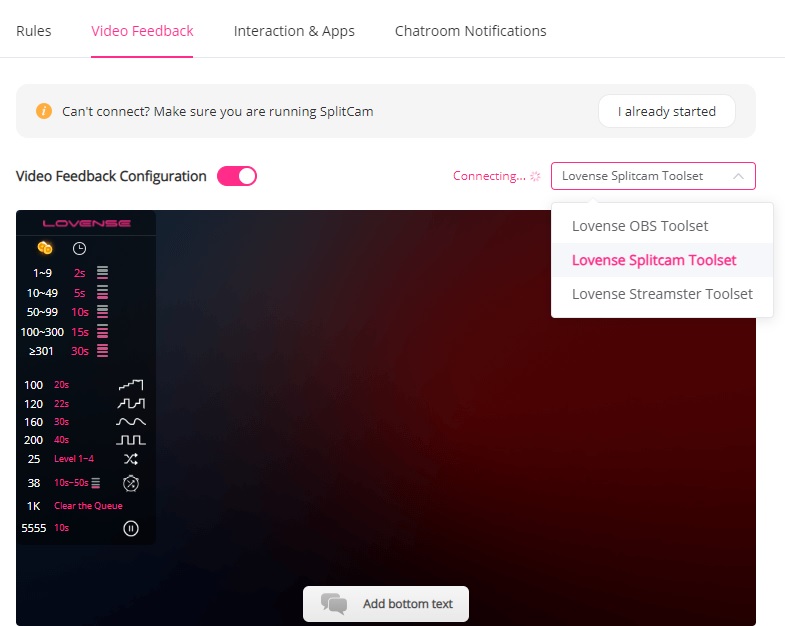
The Lovense SplitCam Toolset is designed for cam models who want to provide an interactive experience for their viewers using the Lovense product lineup. It allows you to upgrade the visuals in your live stream. You will first need to download and install the Cam Extension (described above). Then navigate to Settings, select “Video Feedback,” and then “Connect to Lovense SplitCam Toolset.”
What Exactly Can You Do With the Splitcam Toolset?
The Splitcam Toolset allows you to add Lovense Video Feedback to your stream, so you can see what your viewers see. This helps you refine your stream to be even more appealing to your audience. It also lets you add visual effects to your stream. The tools in the Splitcam Toolset are:
- Video Feedback: Shows you what your audience sees.
- Visual Effects: Lets you add filters, overlays, and text to your stream.
- Multiple Cameras: Enables you to use multiple cameras to capture different angles.
- Customizable Settings: Helps you adjust the settings as you like.
What Is the Lovense Stream Master?
The Lovense Stream Master is an all-in-one software bundle tailored specifically for adult content creators to produce interactive content with Lovense sex toys. It allows cam models to connect their toys to their devices and then to the Lovense Cam Extension. The Stream Master can be downloaded for free for either Android or iOS environments.
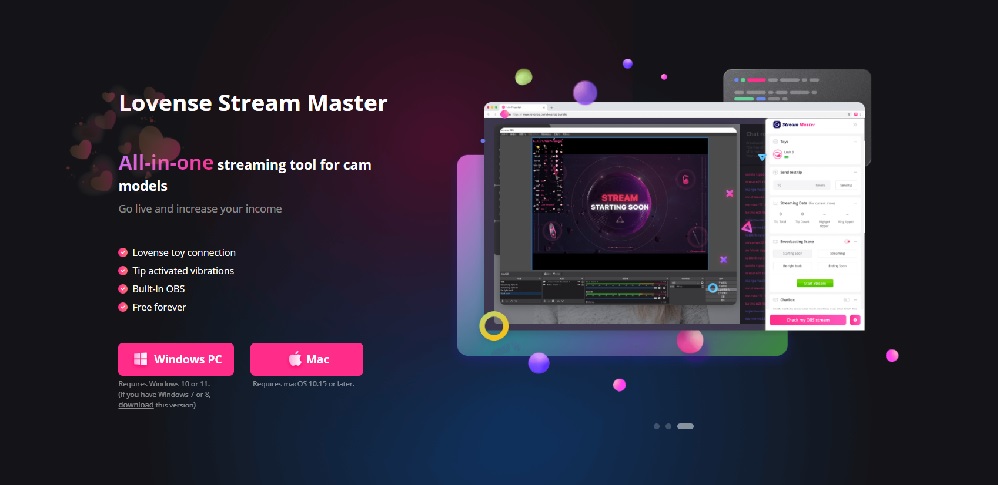
Lovense Stream Master provides an easy, streamlined setup process. Using the Lovense Connect app with OBS and other toolsets requires more manual configuration, but offers more flexibility and customization options for users who are comfortable with tinkering.
What Exactly Can You Do With Stream Master?
Lovense Stream Master offers most of the features that you get by manually installing the extensions and apps we described above. It does not allow quite as much customization, but the tradeoff is the seamless install process.
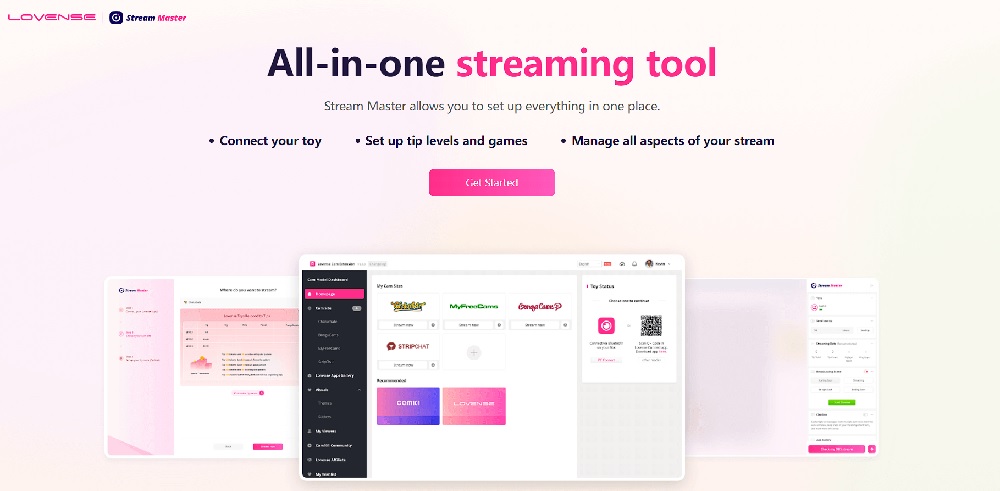
- Tip-Activated Vibrations: Stream Master allows you to connect your Lovense sex toy(s) to your stream and enable tip-activated vibrations. Your viewers can control your toy if they tip enough. Audiences love this, and it increases both engagement and earnings.
- Multi-Cam Streaming: With Stream Master, you can have multiple cameras set up to show a variety of views. This creates a more immersive experience for your audience.
- Customizable Vibrations: Stream Master allows you to customize the vibration levels and patterns of your Lovense toy(s) — and it also allows you to let a lucky and/or generous viewer create some custom patterns as well.
- Video Overlay Support: Stream Master supports video overlays for popular streaming software such as OBS, Streamster, and Splitcam. You can easily add visual elements including text, graphics, and emojis to your stream, making it feel more personalized and engaging.
Happy vibing!
Tim

Related Posts


What Is a BDSM Switch? A Complete Guide to Role Versatility
-
Posted by
mediamillion1000@gmail.com


